
How to find a camera hidden in a lamp
Updated · Tag Tracker LLC
A lamp is a quiet choice for a camera. It already has a power cord, so the camera never needs charging. It sits on a nightstand or desk at the height of a bed or a keyboard. And nobody thinks twice about a lamp that stays plugged in all the time.
Lamp cameras come in two forms: purpose-built camera lamps sold as a unit, and ordinary lamps with a camera bulb or a small module added. This guide covers both, with notes for bedside lamps and desk lamps, which hide the lens in different places.
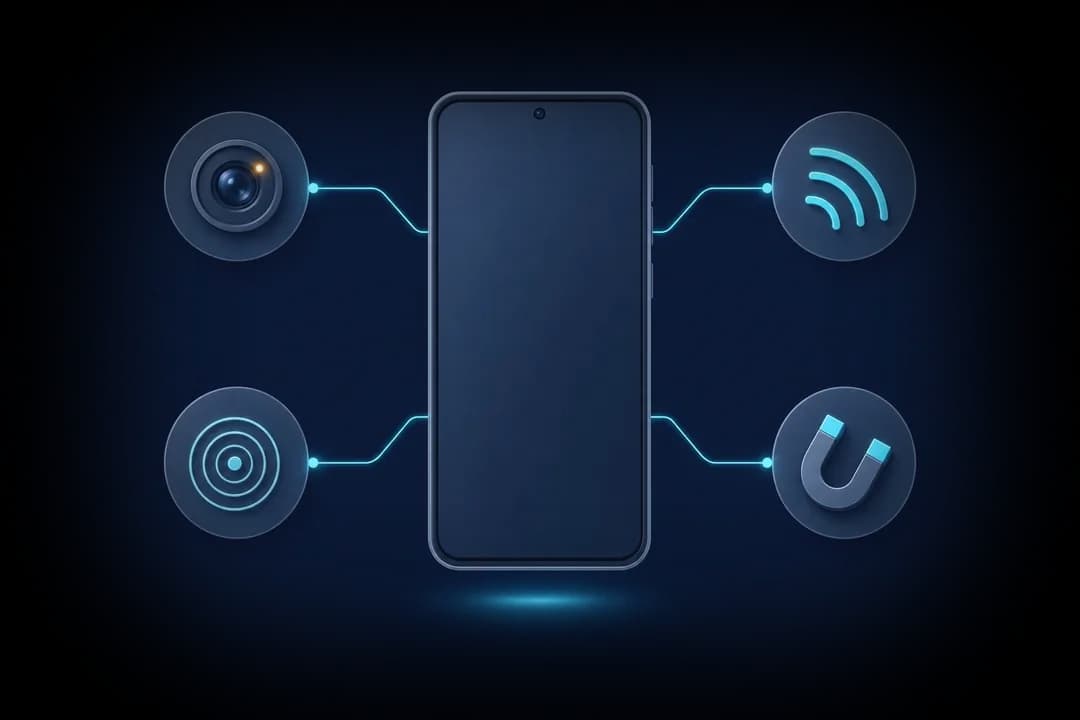
Three places the lens can be
The base. On bedside lamps, the base is the roomiest part, so camera lamps often put the lens behind a small dark window or a switch plate on the front of the base. That gives a low view across the bed or a room.
The stem. Tall table lamps and floor lamps sometimes hide a lens in a decorative ring or collar on the stem, facing outward. Desk lamps with a thick arm or a hinge block can hide one in the hinge.
Under the shade or in the head. A lens can look down from inside the shade, or out of the head of a desk lamp beside the LED panel. A camera light bulb in the socket is another version; the light bulb guide covers those in detail.
Warning signs on a lamp
- Warm while switched off. A lamp that is off should cool to room temperature. A base or head that stays warm with the light off is running something else.
- A small light that stays on. A tiny red or blue dot on the base when the lamp is off may be a camera status LED.
- A second cable or a USB port you cannot explain. Some lamps have a legitimate phone-charging port, but a port with no label next to a dark window is different.
- A dark spot facing the bed or desk chair. A glossy black circle in the base or stem, aimed where a person sits or sleeps.
- A shade that sits oddly. A shade tilted so the bulb area points at the bed, or a bulb that is thicker than normal.
- A lamp that does not match the room. One modern lamp in a room of matching old ones, placed very close to the bed.
Which Candor checks fit a lamp
Use the lens finder with the lamp switched off, since a lit bulb drowns out any reflection. Sweep the base, the stem, the hinge and the underside of the shade. A lens gives a tight, bright point; a metal stem or a glossy base gives a streak that slides as you move.
Run the Wi-Fi camera scan. Constant mains power makes streaming easy, so lamp cameras are more likely than battery disguises to be on the network. If you are on the same Wi-Fi, a lamp camera can show up flagged for offering a live video stream. Smart lamps and smart bulbs also appear on networks for ordinary reasons, so read the reason Candor gives.
Be careful with the magnetic sensor. Lamps have mains wiring, a switch and sometimes a transformer in the base, and all of that raises the reading. A rise near the base is expected and does not point to a camera. The sensor can still help at the shade or head of a simple lamp, where there should be nothing but a bulb socket.
Bedside lamp or desk lamp: what to prioritize
For a bedside lamp in a hotel or rental, focus on the base and anything facing the bed, and check for warmth first thing in the morning after it has been off all night. For a desk lamp in an office or shared workspace, focus on the head and hinge, which can see a keyboard and screen. See the office guide for other workplace spots.
If a lamp looks wrong, unplug it at the wall and turn it to face away. Photograph it before and after. Do not take it apart, since mains wiring is dangerous. Report it to the host, hotel or manager.
Check a lamp step by step
- Switch it off and waitTurn the lamp off and leave it a few minutes so the bulb heat fades. Then touch the base and head. Warmth with the light off is a clue.
- Look for lights and portsIn the dark, check for a small glowing dot on the base. Then look at the back and underside for a port, slot or second cable.
- Sweep it with the lens finderWith the room dark and the lamp off, open Candor's lens finder. Work from base to stem to shade from about one meter away, moving slowly.
- Check for infraredPoint the front-camera infrared check at the base and the shade. A faint glow when the lamp is off suggests night-vision LEDs.
- Scan the Wi-Fi networkRun the Wi-Fi camera scan and match each flagged device to something in the room. A video device you cannot place is worth asking about.
- Unplug and reportUnplug the lamp at the wall, turn it away, photograph it, and tell the host or manager.
What a phone check cannot find
- Lamp wiring and transformers raise the magnetic reading on every lamp, so the sensor cannot separate a normal base from one with a camera in it.
- A lamp camera that records to a memory card, or joins a different network from yours, will not appear in the Wi-Fi scan even though it has power to stream.
- The lens finder only works with the lamp off, and a lens looking down from inside a shade may only be visible from low, near the bed.
Frequently asked questions
Why would a lamp be warm when it is off?
An off lamp should be at room temperature. Warmth can come from a smart module, a charging port in use or a camera board. It is a reason to look closer, not proof.
Can I just unplug a lamp I do not trust?
Yes. Unplugging a lamp is safe and cuts power to any camera inside. Keep it intact and report it.
Do smart lamps count as hidden cameras?
No. Most smart lamps and bulbs have no camera and appear on Wi-Fi for normal reasons. Look at why a device was flagged before assuming anything.