
Using the phone in your pocket to look for hidden cameras
Updated · Tag Tracker LLC
You probably already carry a reasonable first-line camera check. A modern phone has a bright light next to a camera, a second camera on the front, Wi-Fi and Bluetooth radios, and a magnetometer. None of these was designed for finding hidden cameras, but each can pick up one kind of clue.
This guide goes through the hardware one part at a time, then gives separate routes for Android and iPhone owners. The short version: Android users can run structured scans with an app like Candor, which is Android only. iPhone users can still do a lot by hand, and the steps are below.
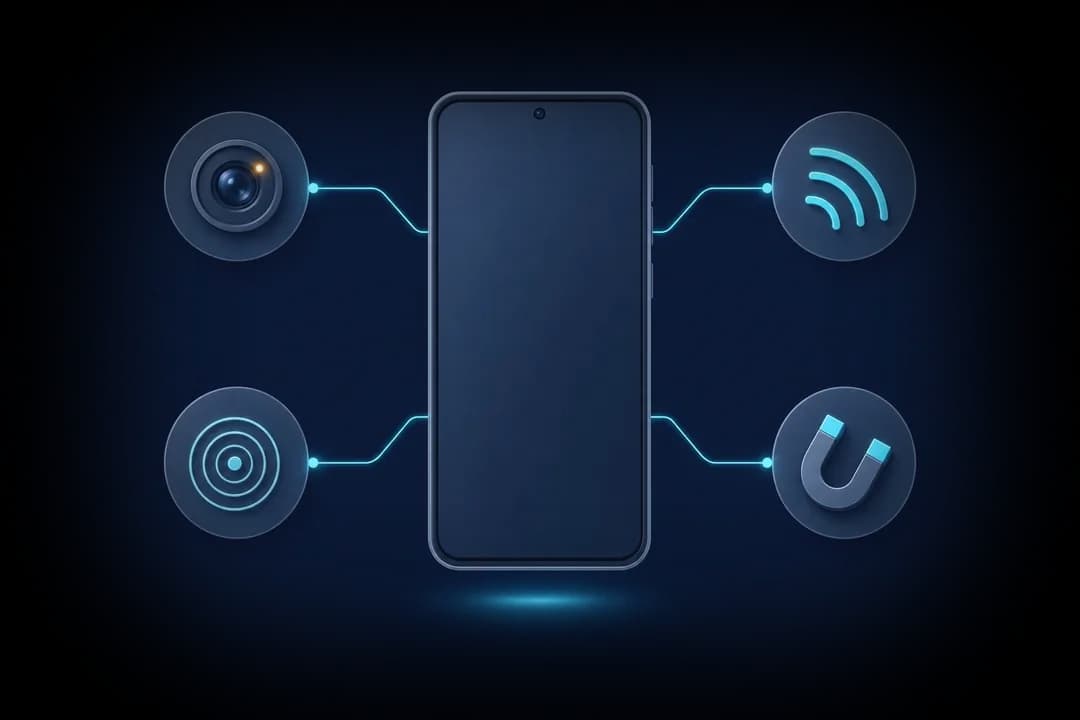
What each part of your phone can do
- Flashlight and rear camera. The light sits a few millimeters from the camera, so a lens in the room reflects the light back into your phone's view as a small bright dot. This is the most useful single check and works on any phone.
- Front camera. Many phones filter infrared light on the rear camera, while the front camera often lets more of it through. That can make the invisible infrared LEDs of a night-vision camera show up as a purple or white glow. Results differ from phone to phone.
- Wi-Fi. When you join a network, your phone can see other devices on it. A camera that streams over that network is one of those devices.
- Bluetooth. Your phone can list nearby devices that advertise over Bluetooth. Some cameras do, often for setup; many do not.
- Magnetometer. The sensor behind the compass changes its reading near metal and electronics. Held against an object, it can hint that something electronic is inside. It cannot tell a camera from any other circuit.
Test your front camera first
Before you rely on any phone for an infrared check, find out whether its cameras see infrared at all. Point a TV remote at the front camera, press and hold a button, and watch the screen. If you see the remote's tip flicker or glow, that camera can see infrared. Try the rear camera the same way. Use whichever shows the brighter glow. If neither does, skip infrared checks on that phone. The infrared guide explains what the glow of a night-vision camera looks like.
On Android: structured scans with Candor
Candor puts the phone's hardware into four checks. The lens finder turns on the flashlight and marks small, sharp reflections in the view, with a front-camera infrared mode. The Wi-Fi camera scan queries the network you have joined for devices that answer camera discovery requests or keep video stream ports open, and says why each one was flagged. The Bluetooth scan flags camera-style names, tracker formats and close unnamed devices, with rough distance from signal strength. The magnetic sensor measures changes from a calibrated room baseline as you move along objects.
Every scan runs without a subscription, and scans run on the phone without recording or uploading camera video. The detector app guide walks through a full sweep.
On an iPhone: manual checks without an app
There is no iPhone version of Candor. You can still cover much of the same ground by hand.
- Flashlight glint. Turn the flashlight on, open the camera app, darken the room and pan slowly across anything facing the bed or bathroom. Look for a tiny, steady point of light that does not smear as you move. Zoom in on the screen to inspect it.
- Front camera infrared check. After the remote test above, switch to the front camera in a dark room and turn slowly. A small cluster of glowing dots on a wall object is worth a close look.
- The router's device list. If you have access to the router's admin page or its companion app, as you might in your own home, look at the list of connected devices. Unknown names, or names containing words like cam or IPC, deserve questions. In a rental you usually will not have this access, and you should not try to get it without permission.
- Bluetooth names in Settings. Open Bluetooth settings and look at the other devices listed nearby. This shows only some devices, but an unfamiliar camera-like name in a room with no visible camera is a clue.
- Physical inspection. Lift, turn and look behind objects that face private areas, and question any unexplained power adapter or cable.
Reading what you find
Treat each phone result as a reason to look closer, not as proof. Glass, screws and status LEDs glint. Smart TVs and speakers appear on networks and in Bluetooth lists. A magnetometer spike near a lamp means the lamp has wiring. The clue that matters is a match between two checks, such as a lens glint on an object that also shows up as an unexplained network device.
If you find a likely camera aimed at a private area, cover it or unplug it if that is safe, photograph it in place, and report it to the host, hotel or platform. Contact police if you think you were recorded where you had a right to privacy.
What a phone check cannot find
- A phone cannot sense radio signals in general, so a camera sending video over a network you have not joined, or over mobile data, will not appear in any phone check except a visible lens.
- The infrared check depends on your phone's camera filters; on some phones neither camera shows infrared clearly.
- Camera-free audio recorders have no lens and may never join a network, so phone checks are unlikely to find them.
Frequently asked questions
Can an iPhone detect hidden cameras?
An iPhone has no built-in hidden camera scan, and Candor is not available for it. You can still use its flashlight, front camera, Bluetooth settings and physical inspection to look for the most common signs.
Why does my phone camera show a remote's light but not the room?
Infrared from a remote is concentrated and close. Night-vision LEDs across a room are dimmer, so darken the room fully and let your eyes and the camera adjust before judging.
Can I see devices on hotel Wi-Fi from my phone?
An app on Android can query devices on the network you join. Many hotel networks isolate guests from each other, which hides other devices, including cameras on that network.
Does checking with my phone flashlight damage anything?
No. It is just light. Avoid shining it into anyone's eyes and keep the phone still enough to see small reflections.