
Checking a shared dorm or hostel room for hidden cameras
Updated · Tag Tracker LLC
Shared rooms are hard to check. In a college dorm or a hostel you live alongside people whose belongings you cannot touch, on a Wi-Fi network shared by hundreds of others, often with a bathroom down the hall. A hidden camera in a dorm or a hidden camera in a hostel is uncommon, but when it does happen it is often a device belonging to someone with access to the room.
That changes what a sensible check looks like. You can inspect the room's fixtures and your own space thoroughly, notice devices that point at your bed, and use the staff structure that exists for exactly this kind of problem. You cannot search a roommate's bag, and you should not try.
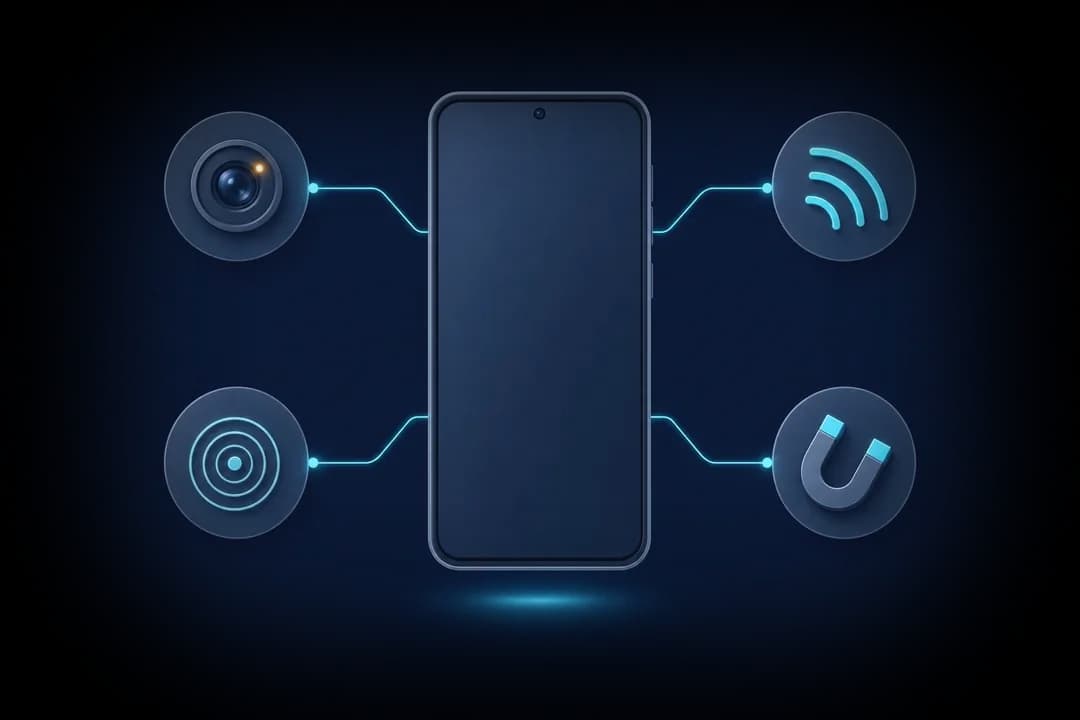
What you can and cannot inspect
The room's fixtures are fair game: smoke detectors, light fittings, vents, wall hooks, the desk lamp that came with the room and anything mounted on the walls. So is your own bed area, your locker and your belongings.
Other people's things are not. A roommate's laptop, speaker, charger or bag belongs to them. What you can do is notice behavior: a device that always faces your bed, a phone propped on a shelf while you change, or a gadget that appears after an argument. Those observations are what you take to staff.
Where to look in a shared room
- Above and around your bed. Bunk frames, the ceiling above the top bunk, reading lights and curtain rails in pod-style hostel beds.
- Room fixtures facing the beds. Detectors, sprinkler covers, vents and wall clocks. The smoke detector guide shows how to check one without disabling it.
- Lockers. The inside of the locker door, the vent slots and the shelf above. Use your own padlock and check the locker is empty before you use it.
- Chargers and power strips. Hostels often have shared charging points near beds. A charger left plugged in and pointing at a bunk is worth a look.
- Shared bathrooms and showers. Stall partitions, vents, hooks and shelves. The bathroom check guide covers these in more detail.
Why shared Wi-Fi scans are limited
Campus and hostel networks are large and usually isolate devices from each other. Candor's Wi-Fi camera scan may return nothing on them even when a camera is connected, and it may flag other residents' smart TVs or streaming sticks that have nothing to do with you. Only scan networks you are allowed to use, and check your school's network rules first.
The Bluetooth scan is more useful in a small shared room. It lists nearby devices with camera-style names, item-tracker formats and close unnamed devices, and signal strength gives rough distance. In a dorm you will see neighbors' earbuds and watches, so focus on anything strong that seems to come from near your bed.
The checks that work in a dorm
The lens finder is the most practical tool. Do it when you are alone in the room, with the lights off and curtains drawn, focusing on anything with a view of your bed and the place you change. The front-camera infrared check helps with night-vision LEDs, which matter in a room where people sleep.
The magnetic sensor can help with fixtures that should contain no electronics, such as a coat hook or a curtain rail bracket. Metal bunk frames will raise the reading, so compare like with like. Candor is Android only.
Talking to your RA or hostel staff
If you find a device in a room fixture, photograph it and report it to your resident assistant, housing office or hostel reception. Ask to move rooms while it is checked. If you suspect a roommate's device, describe what you saw rather than confronting them, and let staff handle it. Many schools also have a student conduct office, and in the US a Title IX office, that handles recording and harassment complaints. If you believe you were recorded in a private space, you can also contact campus or local police.
Check your dorm or hostel space in about 10 minutes
- Wait until you are alonePick a time when roommates are out. Close the door and curtains and switch off the lights, or pull your bunk curtain.
- Check the fixtures above and around your bedUse the lens finder on the ceiling, bunk frame, reading light, detectors and vents that face your bed. Inspect any steady bright point by eye.
- Run the infrared checkWith the room dark, point the front camera toward the walls facing your bed. A glow from a fixture or charger that should be dark needs a closer look.
- Inspect your locker before using itShine a light inside, look at the door and vent slots, and lock it with your own padlock.
- Run a Bluetooth scan from your bedNote strong unnamed devices or item-tracker formats. Move around the room and see whether a signal peaks near your bed or belongings.
- Note behavior you cannot inspectIf a roommate's device always faces your bed, write down what you saw and when. Take that to staff instead of touching their things.
- Report through the right channelTell your RA, housing office or hostel reception, and ask to move if needed. Contact police for recording in private spaces.
What a phone check cannot find
- A camera built into a roommate's own laptop, phone or bag cannot be checked without their consent, which is why reporting behavior to staff matters.
- Campus and hostel networks usually isolate devices, so an empty Wi-Fi scan tells you very little.
- Dense Bluetooth traffic in dorms makes it hard to pin a result to one object.
- Metal bunk frames and lockers raise the magnetic reading, so the sensor cannot single out a small device in them.
Frequently asked questions
Can I search my roommate's things for a camera?
No. Their belongings are theirs, and searching them can create a separate problem. Note what you observe and report it to your RA or hostel staff.
Are hostels allowed to have cameras?
Many hostels have visible cameras in entrances, corridors and common areas, which is common and usually signposted. Cameras in dorm rooms, bathrooms or showers are a different matter and are illegal in many places. Report any you find.
What if staff do not take it seriously?
Put the report in writing and keep a copy. At a school, escalate to the housing office or the conduct office. Contact police directly if you believe you were recorded in a private space.
Does Candor work on an iPhone?
No, Candor is Android only. On an iPhone you can still use the flashlight lens check and the front camera to look for infrared light.